

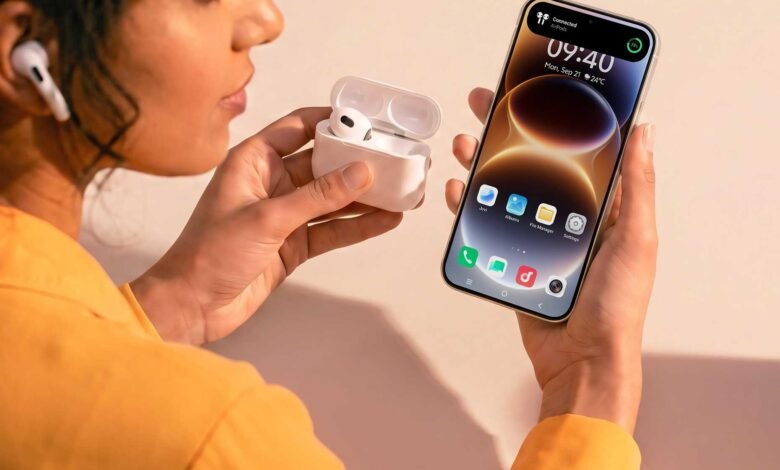
OriginOS 7 is starting to reach vivo phones outside China. This version can work with Apple’s gadgets. vivo unveiled the international version back in September. It’s built on top of Android 17. Vivo says its phones can now show notifications on an Apple Watch, display AirPods battery levels and open the files you keep in iCloud.
If you carry a vivo phone and already own some Apple gear, the obvious question is which of these will work for you. That depends on:
- your phone,
- your watch and
- the country your Apple account is registered in.
The Apple Watch needs an iPhone first
Please note: You must first set up the Apple Watch, pair and activate it first on an iPhone. How it then pairs to vivo’s ecosystem and phone is thanks to an App you install on your Apple Watch. Origin Health Connect went up on Apple’s App Store on 17th September. Once it’s on the watch, it links to your vivo phone and forwards calls, app notifications and SMS to your wrist. It also lets you control the phone’s camera and music from the watch, and it sends steps, heart rate, sleep and workout data back to Origin Health, vivo’s fitness app on the phone.
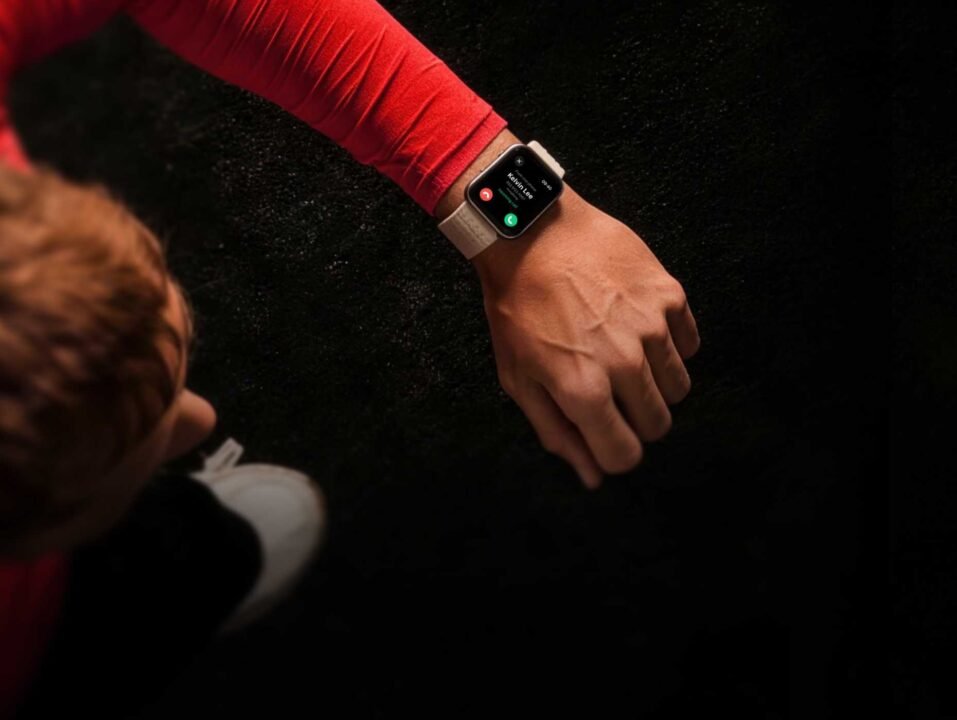
So an iPhone must be in the picture. The App Store listing is aimed at people who use an iPhone and a vivo phone together. If your iPhone is your main phone and the vivo is your second line or work phone, one watch can now cover both.

Extra things to note: Only the vivo X200 series and later X-series phones qualify, along with the iQOO 13 series and later numbered iQOO phones (iQOO is vivo’s performance sub-brand).
vivo’s V, Y, S and T series phones get OriginOS 7, but they aren’t on that list. The watch has to be an Apple Watch Series 6, an Apple Watch SE (2nd generation) or a later model, running watchOS 9.6 or later.
The Apple Watch connection isn’t live yet for people who’ve received OriginOS 7. vivo says the feature “will be available via a future OTA update”. vivo hasn’t given a date.
vivo has done this before in China. Its Chinese watch app, vivo健康互联 (vivo Health Interconnect), went up on China’s App Store in May 2025 with the same watchOS requirements.
AirPods and iCloud are simpler
AirPods already work with Android phones as ordinary Bluetooth earphones. Apple’s own guide for non-Apple devices says you can listen and talk, but you can’t use Siri.
OriginOS 7 adds a status display: once AirPods connect, their battery level and connection status appear on Origin Island, vivo’s floating window for live updates. The release also promises Spatial Audio called “vivo Spatial Audio”.
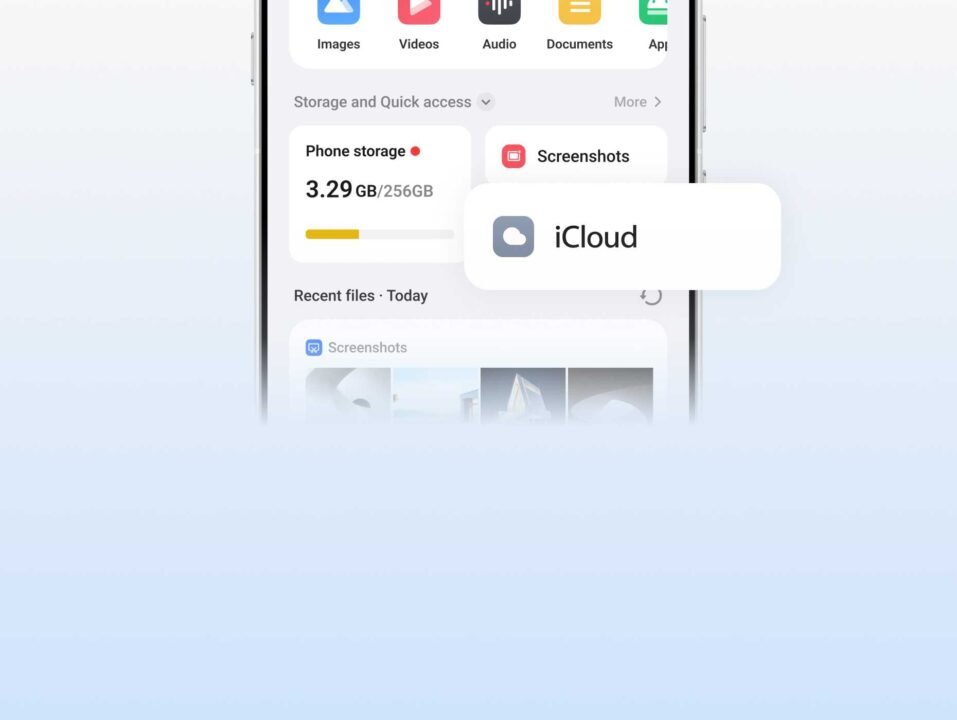
iCloud is now available in the vivo File Manager. Once you sign in with your Apple Account, you can view, upload and download your files. So if you save documents to iCloud from a Mac or an old iPhone, you can open them on the vivo without going through a browser. vivo describes the feature as “compatible with iCloud for web”, which means it uses the same access as iCloud.com.
If you’ve turned on Advanced Data Protection, this matters becuase Apple’s setting encrypts more of your iCloud data so only your own Apple devices can read it. Apple switches off web access when it’s on, and you have to turn on “Access iCloud Data on the Web” and approve access from one of your Apple devices. We expect the same applies to the vivo.
But there’s more:
Here’s extra things your vivo phone can do:
- A vivo phone can now act as a MacBook’s webcam on video calls, and
- Photos or screenshots can go straight from the vivo phone to an iPad.




Join the discussion