

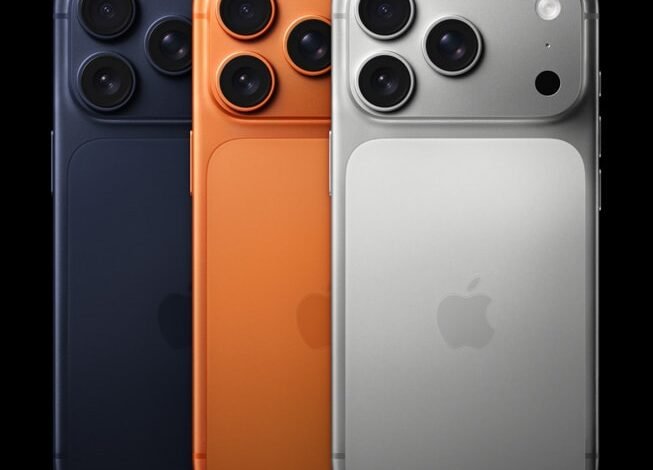
Apple’s next iPhone update will make it easier to act on a message and find a podcast you haven’t finished. With iOS 27.2, Messages can suggest turning someone’s request into a reminder, while Podcasts gives episodes you’ve already started their own place on the Home tab.
Those are two of the changes coming to six Apple apps. Apple TV gains separate viewing profiles, FaceTime expands support for sharing both cameras, and Home adds controls for compatible smart locks. Games also gets smaller changes to its Home tab.
Apple has issued the iOS 27.2 release candidate, a near-final testing build. The public update is expected before the end of October, although Apple has not confirmed a specific release date. Some additions need newer iPhones or compatible accessories.
Messages can turn a request into a reminder
If someone sends you a message asking you to remember something, Messages can show an Add to Reminders button beneath it. Tap the suggestion and you can create a reminder without copying the request into another app yourself.

The feature is called Suggested Actions. It uses the contents of a conversation to suggest a next step, which can also include adding a calendar event or a note. Apple announced the suggestions in June. They appeared during iOS 27 testing, were removed before its public release, and have returned in the iOS 27.2 beta.
You can choose which suggestions appear. Under Settings, Apps, Messages and Suggested Actions, the beta has individual switches for Calendar, Reminders, Notes, Maps, and flight and package suggestions. If you only want the reminder button, you can keep it and switch the others off.
These suggestions use Apple Intelligence, Apple’s collection of AI tools, so they need an iPhone 15 Pro, iPhone 15 Pro Max, or an iPhone 16 model or later. Apple specifies English for the feature.
Podcasts separates new episodes from unfinished ones
In Podcasts, the change is about finding something you’ve already started. Up Next becomes New Episodes, with a separate Continue Playing section directly beneath it on the Home tab.
Apple’s welcome screen in the beta introduces the two sections. New Episodes holds recent episodes from shows you follow and episodes you’ve saved. Continue Playing is where you return to episodes you started but haven’t finished.
So if you pause a long interview to listen to a news bulletin, you have a place to pick up the interview afterwards. Looking for a fresh release takes you to New Episodes instead.
Profiles, group calls and smart lock controls
The Apple TV app gains viewing profiles on iPhone and iPad, so people sharing a device can keep their viewing history and recommendations separate. Children’s profiles can also restrict films and programmes by content rating. A parent can hand over their phone for a child to watch something without mixing that viewing into their own profile. The profile chooser appears when the app opens, with an option to stop showing it.
FaceTime, Apple’s video calling app, is extending Dual Capture to group calls. The feature already works in individual calls: it shares the front and rear cameras together, showing your face in a small window while you show what’s in front of you. With iOS 27.2, you can do that in a group conversation too.
Dual Capture needs an iPhone 17 or later. Other people on the call need iOS 27, iPadOS 27, macOS 27 or later to see both camera views.
The Games app’s Home tab gets smaller changes. Recently downloaded games can appear before you’ve played them, and Apple is updating how it shows achievement progress and leaderboard scores.
Finally, Home, the app for controlling connected household accessories, adds two settings for compatible smart locks. Lock After Closing starts the automatic locking timer when the door closes. Door Left Open can notify you when a door stays open for a selected period. These additions follow Apple’s recent home announcements; earlier this month, we covered its HomeView household display.
The lock must support reporting whether the door is open or closed through a compatible door-position sensor. For Door Left Open, a separate contact sensor does not qualify on its own. Check your lock’s support before relying on either setting: installing iOS 27.2 alone won’t give every smart lock these controls.





Join the discussion