

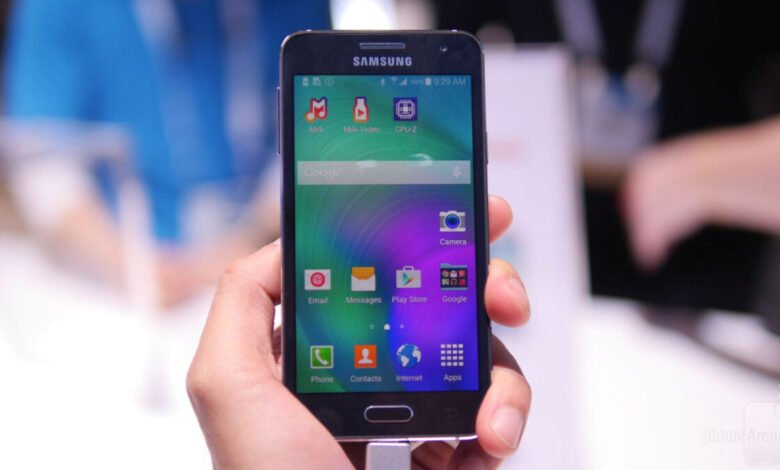
One of the annoying things with smartphones is duration of battery. 5-10hr talk time batteries just don’t do it. They never seem to last enough and often you will see people charging with USB cables or from sockets directly while using their phones. It’s even funny, on most of the screenshots you’ll find the battery is always either very low or on charging.
It’s consequently not startling to find apps on Play Store and other markets which claim to be “Battery Savers”. Some work but let’s face it, they (the apps) still consume the juice they’re trying to ‘save’.
If you have Root permissions there are better ways to tweak your phone to save or increase battery durations. Get the whole process here in about a week.
So here are the simplest of ways to save your Android phone battery (no special permissions required): you may have known some of them but use all the 7 given below and you’ll see the difference.
- Mobile Data and Wi-Fi.
Use 3G networks only when in need of speed. For example, you don’t need 3G to chat on WhatsApp. Even while on 2G networks, switch of the data connection while not using it.
It is better to use Wi-Fi rather than mobile data, so if you have a way of accessing Wi-Fi do so as it doesn’t drain your battery as fast as mobile data. You could for example tether mobile data from one phone fixed on power and use it as Wi-Fi on your smartphone.
Remember to also switch off Wi-Fi when not using it.
- Auto-sync and Background Data.
You always receive emails and other notifications in real time and your contacts are always up to date? Well, do away with that. Disable auto-sync and uncheck background data. You’ll save so much battery. Once or twice during the week you can enable the two so as to update your apps and contacts (I presume over a Wi-Fi connection).
- Display
Screen being overly bright drains your battery faster than anything else. Auto Brightness more-so. So make sure you disable auto brightness and set your phone’s brightness to well just about 10-20% or to my level, the lowest. I’m sure you won’t see your screen while outside in the sun, but indoors it’ll be perfectly alright. Anyway why use your phone outdoors but for pictures?
- Sound and Vibration
Don’t use ‘Vibration’ anywhere. Not in any notifications nor calls. Reduce your call & notification tunes volumes.
- Animations
There are those beautiful transition animations…. Those that make the screen swirl, roll, bounce etc. Set them off. They just waste your battery. Disable all animations period.
- Background Processes.
Settings >>> Developer Options >>> Background Processes. Set to either 1 or NO background processes. Also remember to check the option of “Destroy activities as soon as user leaves it”. We are saving battery here, aren’t we?
- Proper phone use
Do not over use your phone. It isn’t meant to be online 24/7. It isn’t meant to be on power 24/7. It’s an assistant. Once or twice an hour switch on data for any notifications or to tweet/update status.
Play a game for like 20minutes not the whole day. Listen to music or radio a bit. And let the phone be. Most phones have over 100hrs of standby!
If you find the above useful share it with others. And go get root permissions as I’ll be showing you a better way soon.
Follow @DicksonOtieno.
Follow Us


This is not good advice. Don’t turn on “Don’t keep activities”. Its meant as a debugging tool and will cause apps to misbehave without any battery savings.
This is not good advice. Don’t turn on “Don’t keep activities”. Its meant as a debugging tool and will cause apps to misbehave without any battery savings.