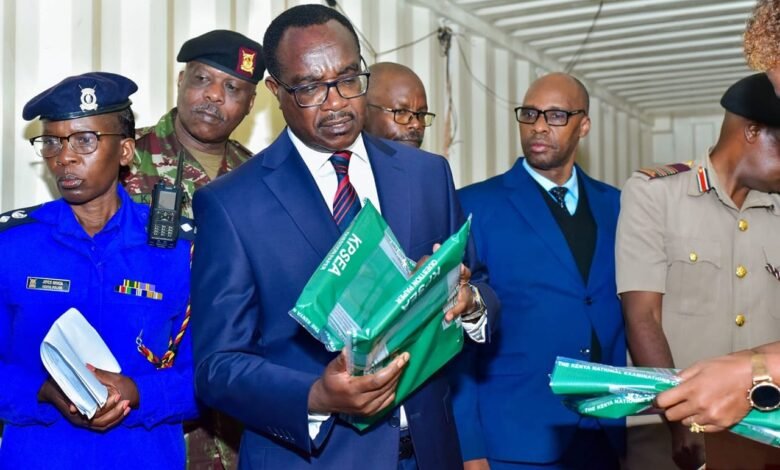

The wait is officially over for Grade 6 learners and their families. The Kenya National Examinations Council (KNEC) has released the performance reports for the 2025 Kenya Primary School Education Assessment (KPSEA) and the Kenya Intermediate Level Education Assessment (KILEA).
If you have a child who sat for these exams in October 2025, here is everything you need to know about the results and a step-by-step guide on how to access them.
What you need to know
Before you dive into the portal, here is a quick recap of the 2025 assessment:
- The exams: KPSEA is the Grade 6 assessment under the Competency-Based Curriculum (CBC) that guides transition to Junior Secondary. KILEA is the intermediate level assessment for learners with special needs.
- The dates: The KPSEA exams ran from October 27 to October 30, 2025, while KILEA concluded on October 31, 2025.
- The numbers: It was a massive year for the council, with 1,298,089 candidates registered for KPSEA and 1,130,587 sitting for the KILEA.
These reports are critical, and no, they don’t just give a score. Instead, they measure the learner’s progress under the CBC to help guide their next steps in education.
How to check KPSEA 2025 results online
KNEC has made the process straightforward for parents and guardians. You don’t need to visit the school physically to get the initial report for KPSEA 2025 candidates.
Step 1: Head over to the official results portal at https://kpsea.knec.ac.ke.
Step 2: In the search box, enter the Candidate’s Assessment Number.
Step 3: Enter at least one name of the candidate (the one used during registration).
Step 4: You will see a “Privacy and Access Notice.” Click to “Accept” it.
Step 5: Hit Search. The report should load, allowing you to view and print the performance slip.
Tip: If the site is loading slowly, it’s likely due to high traffic. Give it a few minutes and try again.
How to check KILEA 2025 results
For learners who sat for the KILEA (Kenya Intermediate Level Education Assessment) exams, the process is slightly different. Online access is not available for individual parents. Instead, candidates must visit their respective schools to collect their performance reports.
For schools and headteachers
If you are a school administrator, you have a dedicated route to access reports for all your learners in bulk.
- Visit the CBA Portal at https://cba.knec.ac.ke.
- Log in with your school credentials to access and download the individual learner performance reports.
Congratulations to all the candidates on completing this milestone!