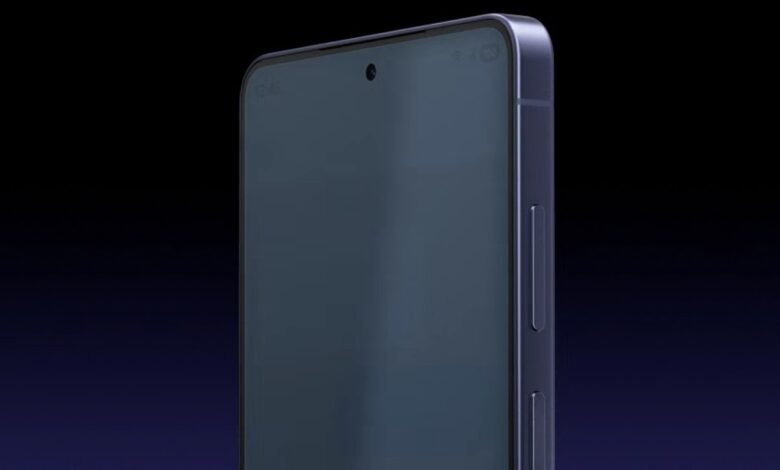

The Galaxy S26 Ultra launch introduced what might be the coolest hardware flex of the year: the Privacy Display. It’s a feature many of us have wanted for years, providing users with a built-in way to stop “peeping Toms” from reading our private chats on the bus.
However, as the first units hit the hands of early testers and lucky buyers, a bit of a “gray area” has emerged. If you’re a fan of those deep, inky OLED blacks that Samsung is famous for, you might notice something strange when you kick the privacy settings into high gear.
Early users on Reddit have pointed out that when the S26 Ultra is in Dark Mode and the Maximum Privacy Protection setting is toggled on, those perfect blacks suddenly look like the dusty grays of an old LCD screen.
As one Reddit user noted after testing the device:
"In Dark Mode, the S26 Ultra screen turns gray when enabling Maximum Privacy mode... Samsung is forced to crank up the remaining narrow pixels and change how they handle contrast. This results in a 'washed-out' look where the OLED's true blacks turn into LCD-like grays."
Essentially, while the viewing angle is narrowed (keeping your data safe), the visual punch of the screen takes a hit.
According to 9to5Google, who got some hands-on time with the device and also noticed this change in colour quality, this isn’t necessarily a “defect,” but it’s a trade-off. To make the Privacy Display work, Samsung has to change how the individual pixels emit light.
“Privacy Display, somewhat like the privacy screen protectors, does make the whole display a bit less bright. When you toggle it on, there’s an immediate and noticeable difference in the brightness and the colours.” Apparently, you can actually see the individual pixels a bit more clearly when the feature is active.
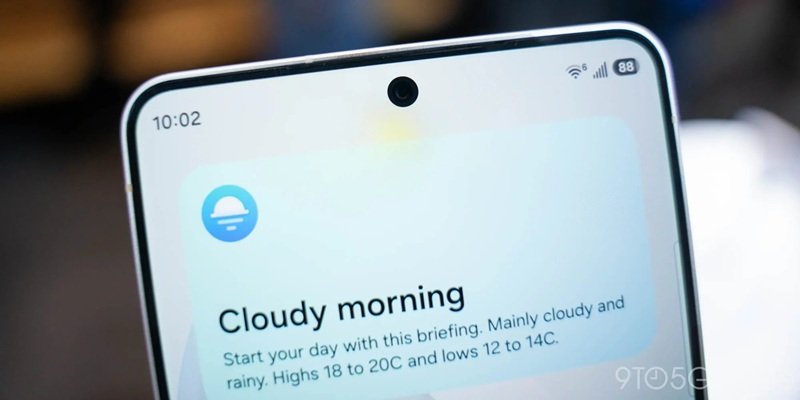
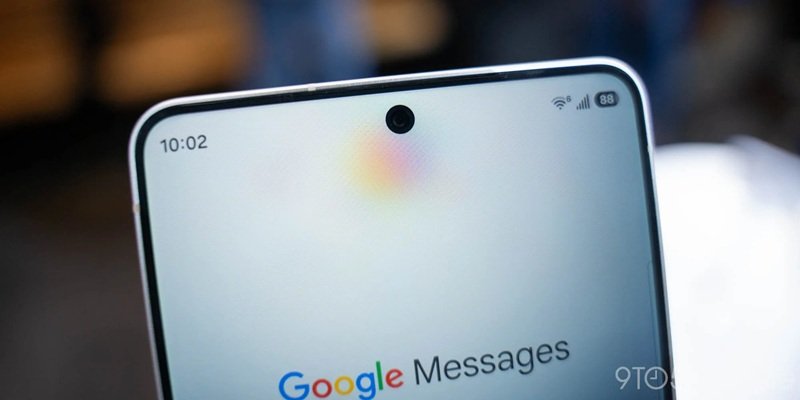
Because the phone is essentially “turning off” or redirecting the light from half of its wide-angle pixels to narrow the field of view, the remaining pixels have to work overtime to keep the screen legible. This shift in light distribution is what kills that perfect contrast we expect from a Galaxy flagship.
The good news is you don’t have to live with it
While the “washed out” look might sound like a deal-breaker, Samsung seems to have anticipated this. Unlike a physical privacy sticker you buy at a shop, this is software-controlled hardware.
Privacy Display on the Galaxy S26 Ultra is not always on. You only see the graying effect when you actually need privacy. Furthermore, you can set the phone to only turn on Privacy Display when you open specific apps, like Google Messages or your banking app. The second you go back to Instagram or YouTube, your gorgeous, vibrant colors return. Samsung has also included an option to apply this effect only to small portions of the screen, such as notification pop-ups, leaving the rest of your display looking crisp.
If you’re sitting at home in a dark room, you’ll definitely want this feature off to enjoy the S26 Ultra’s industry-leading display. But in a crowded lift or on public transport? A slightly gray screen is a small price to pay for making sure the person next to you isn’t reading your private texts.
Combined with the new Galaxy Buds4 series, which let you answer calls with a simple nod, Samsung is clearly leaning hard into making your mobile experience as private and “hands-off” as possible in 2026.