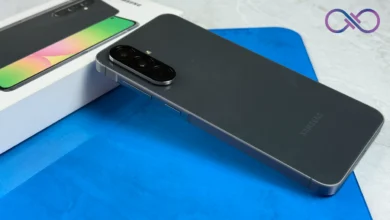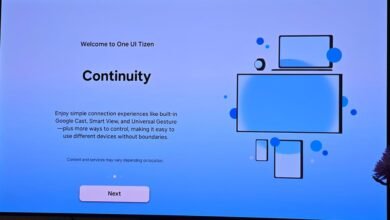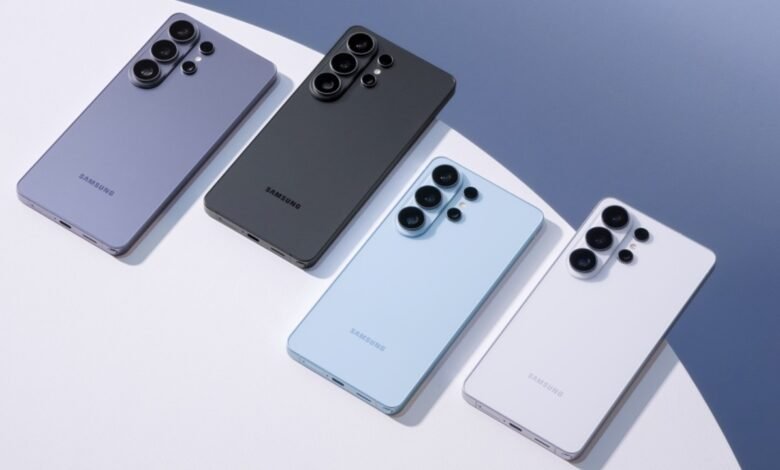

When Samsung unveiled the Samsung Galaxy S26 series, most of the spotlight went to its new Privacy Display and deeper Galaxy AI integration. But quietly, the S26 lineup also achieved something else: it became the first non-Pixel phones to ship with a couple of brand-new Google features.
For years, if you wanted Google’s latest AI tricks first, you bought a Pixel. That has been changing gradually with every Galaxy S series launch.
Galaxy S26 debuts multi-object Circle to Search
Circle to Search debuted on the Samsung Galaxy S24 and Pixel devices as a fast way to search anything on your screen by circling it. Until now, though, it was limited to one object at a time.
With the latest February update, powered by Google Gemini 3’s agentic planning capabilities, users can circle multiple objects in an image and get results for all of them in one go.
See someone wearing a jacket and sneakers you like? Circle both. The results will identify each item separately without forcing you to repeat the gesture. It sounds minor, but it removes friction from what is supposed to be a seamless feature.
There is also a new “Try on” option for clothing, accessible directly from Circle to Search results. That means once an item of clothing is identified, users can preview how it might look, rather than just being redirected to a shopping link.
According to Google, these upgrades are rolling out first to the Pixel 10 series and the Galaxy S26 lineup. That makes the S26 the first non-Google hardware to sit at the front of the feature queue.
Gemini now handles multi-step tasks in the background
The second major update is arguably more significant. Gemini can now complete multi-step tasks on Android in the background.
When a user gives a request, Gemini carries it out inside a secure, virtual window that does not have access to the rest of the device. This is important. It means the AI can execute tasks without freely roaming through your apps and personal data.
You can monitor what it is doing in real time by tapping the persistent notification. If something looks off, you can intervene. Or you can let it continue in the background while you do something else.
Think of asking your phone to book something, fill out details, or navigate through steps across supported apps. Instead of guiding you with instructions, Gemini does the clicking itself within that contained environment.
This feature is launching in beta for select apps in the United States and Korea. It is compatible with the Pixel 10, Pixel 10 Pro, and Pixel 10 Pro XL, as well as the Galaxy S26 series.
These features are currently rolling out as a beta preview for Galaxy S26 and Pixel 10 users.