
We saw the writing on the wall. Last year, we warned you about Google’s push to verify Android app developers, and we even stepped in to debunk the panic that Google was outright killing sideloading. We told you that sideloading wasn’t dying. It was just changing.
But with Google’s latest official announcement, it feels like we’re taking two steps forward and three massive steps back. While Google hasn’t technically blocked sideloading, the hoops they are now making us jump through, specifically a mandatory 24-hour waiting period to install apps from unverified developers, are completely bizarre.
Let’s get one thing straight: I am an Android power user. I have been sideloading apps for years. I still do it regularly, especially on my Chromecast with Google TV running Android 14. If I find an APK for a utility or media app I want to use right now for a weekend movie night, Google’s new system tells me I have to wait 24 hours. By the time the clock runs out, the moment is gone. It’s ludicrous, and quite frankly, it feels criminal to lock me out of my own hardware.
Here is a breakdown of what Google is actually doing, why it’s incredibly frustrating, and how they could easily fix it to keep everyone happy.
How Google’s advanced flow actually works
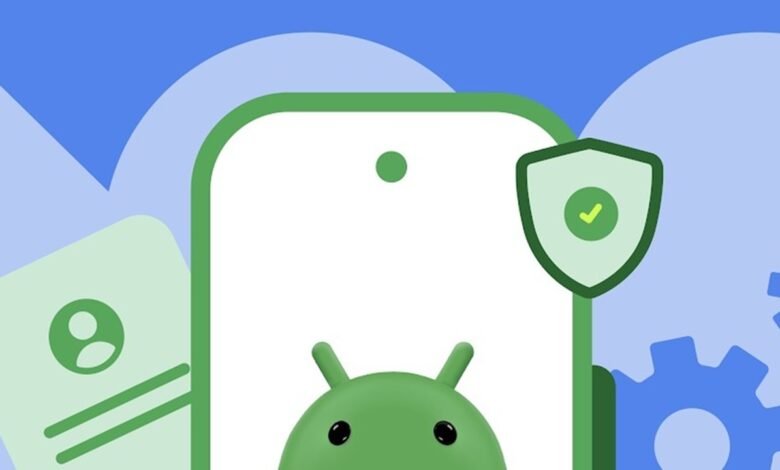
According to Google, the new advanced flow is designed to stop scammers who use high-pressure coaching tactics to trick victims into installing malware.
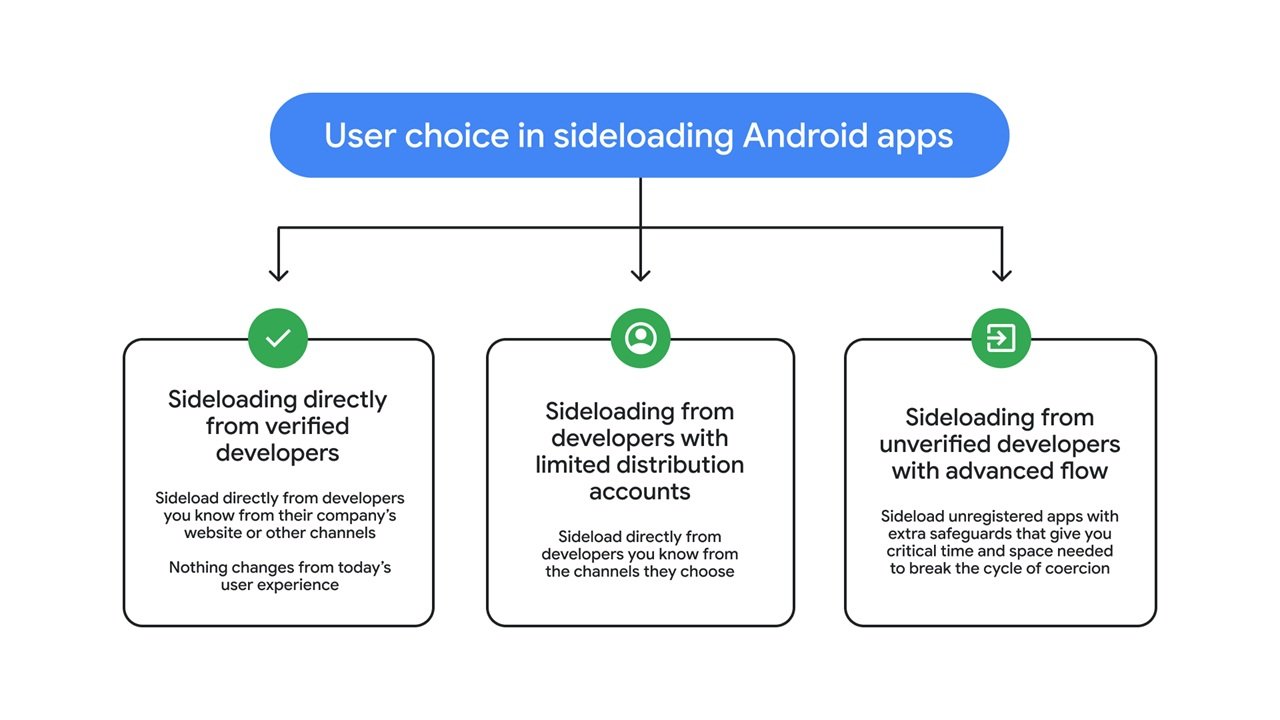
To bypass the new restrictions and install an app from an unverified developer, you now have to survive this five-step gauntlet:
- Enable developer mode: You must manually activate this in system settings to prevent accidental “one-tap” bypasses.
- Confirm you aren’t being coached: A prompt checks to make sure no scammer is on the phone pressuring you into dropping your shields.
- Restart your phone & reauthenticate: You have to reboot your device to sever any remote access or active calls a scammer might be using.
- Wait 24 hours: This is the kicker. You face a mandatory one-day protective waiting period. After 24 hours, you re-verify with a PIN or biometrics. Google says this breaks the manufactured urgency of scammers.
- Install the app: Finally, you can tap “Install anyway,” with the option to enable this access for 7 days or indefinitely.
The silver linings (if you can call them that)
To be fair, Google has clarified a few things that soften the blow slightly:
- ADB installs are safe: The 24-hour wait does not apply if you are installing via the Android Debug Bridge (ADB).
- It’s a one-time process: You only have to endure the 24-hour wait once to change your system settings. After that, you can install unverified apps indefinitely, but there’s another option to only allow it for 7 days.
- The 24-hour wait limit: You are only required to wait 24 hours if installing unregistered apps from unverified developers. You do not have to wait to install apps from registered/verified developers.
- You don’t need to leave Developer Mode on: Once the setting is applied, you can toggle Developer Mode back off.
- Free accounts for hobbyists: Google is offering limited distribution accounts for students to share apps with up to 20 devices without paying fees or giving government IDs.
But honestly? It’s not enough.
My device. My rules.
Google says this is to protect the 57% of adults who experienced a scam last year. I get it. Scams are a massive global issue, including here in Kenya. But Play Protect already exists for this exact purpose. It does a fantastic job of displaying a large, unmissable red warning when an app is suspicious.
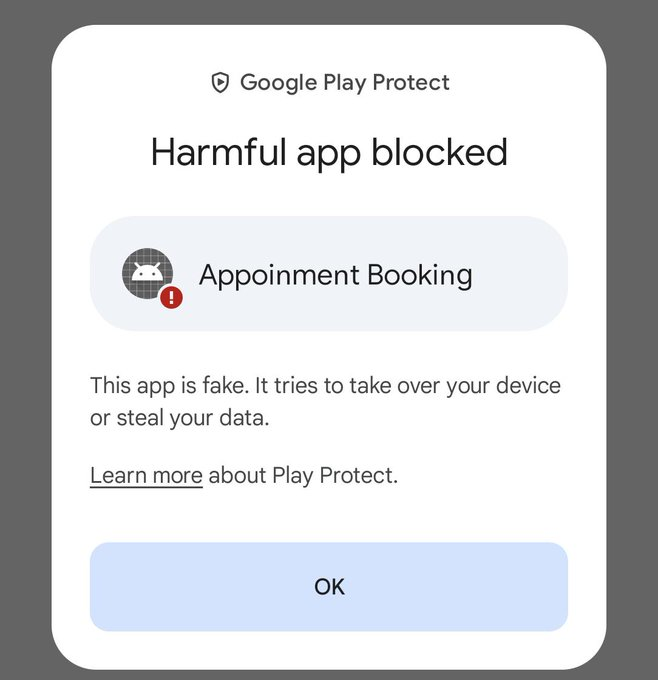
Google, are you serious? This is my device. I bought it with my own money. If I want to install an APK, unlock the bootloader, root the device, or run it straight into the ground, that is my prerogative. If I make a mistake, that’s on me. Stop treating advanced users like toddlers who can’t be trusted with sharp objects. We are already seeing over 50 organizations fighting back against Google closing up Android, and this is exactly why.
How Google can actually fix this
Right now, Google is treating your tech-illiterate grandfather and a seasoned Android developer as the exact same user. That is the fundamental flaw. Here are two ideas the Android team should implement immediately:
Idea 1: Advanced user mode at setup
During the initial phone setup, give us an option to enable advanced user mode. Don’t make it a simple toggle. Put up a clear, bulleted guide explaining the risks, defining what third-party APKs are, and requiring the user to confirm multiple times.
If a user passes this, waive the 24-hour waiting time permanently. We get full access from day one. Normal users can skip this and keep the default safe mode.
Idea 2: Tie the 24-hour delay to Google Account
Why punish me on every single device I own? Instead of enforcing the 24-hour delay on the hardware, tie it to the Google Account.
Add a dedicated security setting to allow third-party app installs on devices using this account. Make me wait 24 hours once on my account. Once verified, any time I log into a new phone, tablet, or my Chromecast, I have instant sideloading access. This protects vulnerable users while giving developers, reviewers, and tech enthusiasts our freedom back.
Safety and platform freedom do not have to be mutually exclusive. Android was built on choice. Let’s hope Google remembers that before they lock the ecosystem down entirely.