

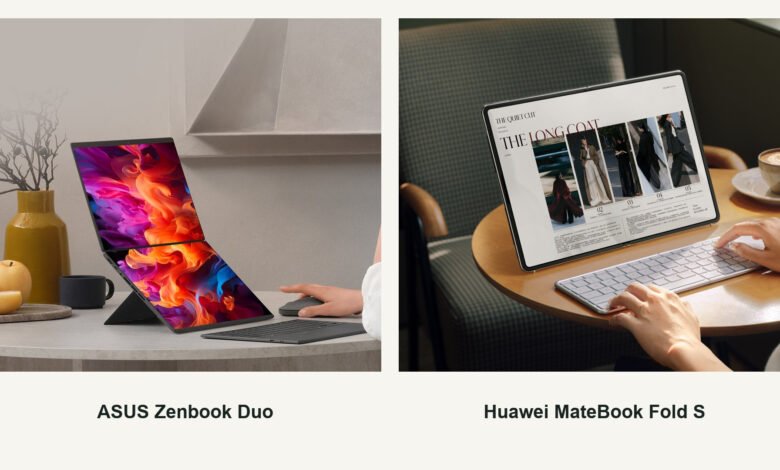
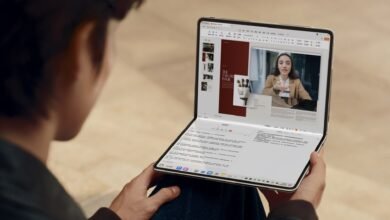
Open Huawei’s MateBook Fold S and one screen runs across both halves of the laptop. It’s a 14.7-inch OLED touchscreen, made from pixels that emit their own light on a panel that bends. When we covered the teaser earlier this month, the little screen on the lid drew attention. Huawei launched the Fold S in China on 24th November 2026.
The 2026 ASUS Zenbook Duo (UX8407) has two rigid 14-inch OLED touchscreens joined by a hinge. Its wireless keyboard docks between them when you close the laptop. Take it off and the kickstand lets you use both screens, either stacked or side by side. The Duo gives you a second monitor wherever you have the room to set it up.
Writing with a source open
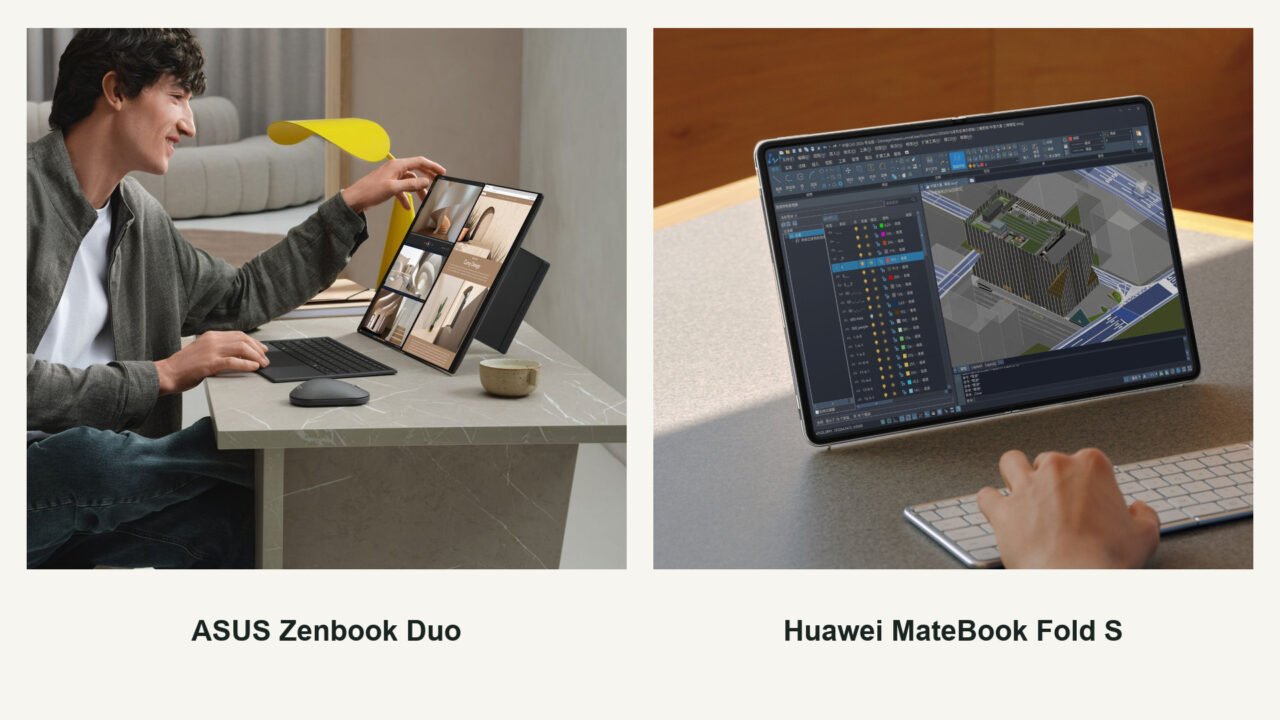
If you’re writing from a long report saved as a PDF, the Duo gives the source a whole screen and leaves another for your draft. Stack the screens and you can keep the PDF at the top and write below it. Turn the Duo on its side and you can have two upright screens, a useful layout when the source is a page you want to read from top to bottom without scrolling every few lines.
Open the Fold S all the way and the draft and PDF have to share the 14.7-inch panel. The screen can show two windows together, although each has less room than it would get on its own ASUS panel. For a long session with two documents that both need room, we’d take the Duo.

Editing a wide timeline
A video timeline lays your clips out left to right. You can stretch a window across both ASUS displays, but if they’re side by side, the borders and hinge interrupt the view where the two screens meet. We’d put the timeline on one landscape panel and move the video preview or the list of imported clips to the other if the editor allows it.

Turn the unfolded Fold S sideways and its screen is about 31cm wide, about a centimetre wider than one landscape ASUS panel. That’s based on the makers’ screen dimensions. A timeline can run across the fold without a screen border interrupting it. The editor you use may settle the choice sooner. The Duo runs Windows 11, and the Fold S runs Huawei’s HarmonyOS 7. Huawei points to third-party virtual machines, which can run Windows apps in a separate software environment. If you rely on a Windows editor or plug-in, check that your workflow runs before you count on that screen.
Working on a shallow tray table
With the Duo’s keyboard docked over the lower screen, you’ve got a regular laptop with a base about 21cm deep. The keyboard covers the second screen and leaves you with physical keys and the full 14-inch upper screen. Put the Duo on its kickstand and you need space behind the display and somewhere to put the keyboard.
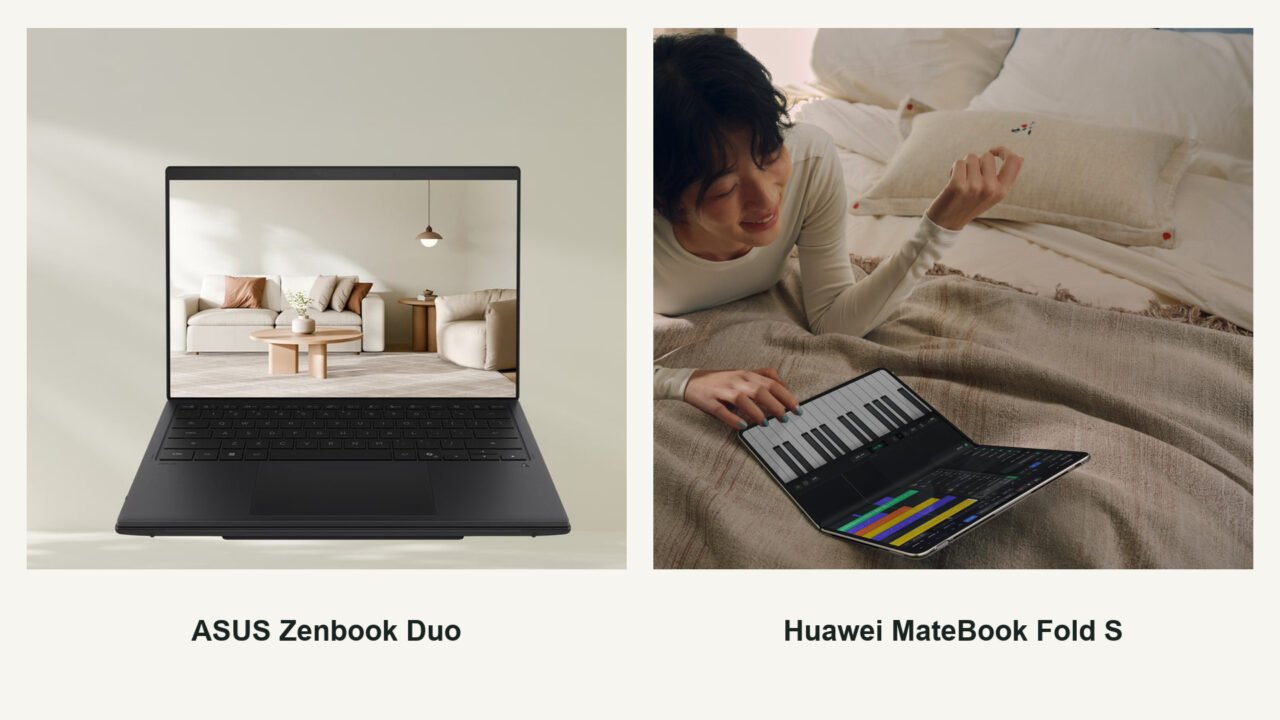
The Fold S can sit half-open with an on-screen keyboard and touchpad on the lower half. You work on the upper 10.2-inch half of the screen and can leave the separate folding keyboard in your bag. The closed dimensions put the lower half at about 16.5cm deep. The angle of the upper half also affects how much clearance you’ll need. To get the full 14.7 inches upright, you can unfold the Fold S and use its rear stand. You’ll need room behind the screen for the stand and room in front if you want to use the separate keyboard. If the Duo’s base fits on the tray, we’d keep the keyboard docked for a long stretch of typing. For quick edits on a cramped tray, we’d try the Fold S half-open.





Join the discussion