
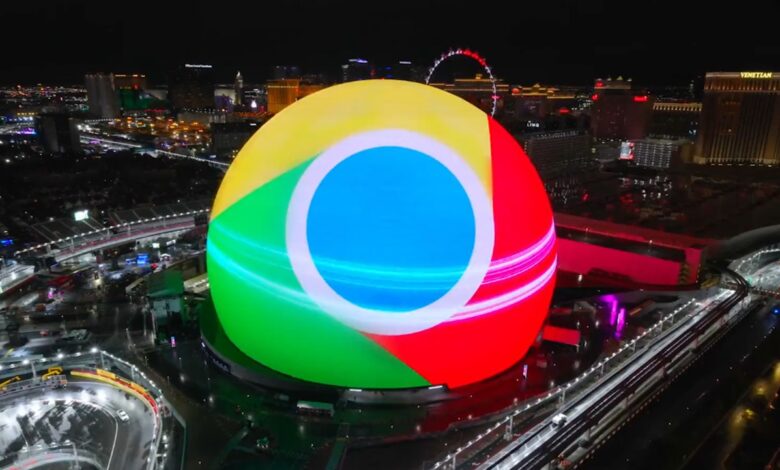
Insights At a Glance:
- Chrome 138 is the last version for Android 8 and 9 users.
- Chrome 139 (coming August 5, 2025) will require Android 10 or newer.
- Keep using the old version if you must—but expect no updates or security patches.
If you’re still using an older Android phone running Oreo or Pie, it might be time to start thinking about an upgrade—or at least a backup browser.
Google has just announced that it’s officially sunsetting support for Android 8.0 (Oreo) and Android 9.0 (Pie) in its Chrome browser. This means Chrome version 138 is the last version that will run on these two operating systems. Starting with Chrome 139—tentatively set for release on August 5, 2025—you’ll need Android 10 or higher to get the latest Chrome updates.
And yes, we know. That might be a problem for many Kenyans still clutching onto devices that came out before 2020. Those budget Nokias, Infinixes, and early Tecno Camons that just won’t die? This change is going to hit them.
So what exactly does this mean?
Let’s break it down:

- If your phone runs Android 8 (Oreo) or Android 9 (Pie), you can still use Chrome version 138.
- But you won’t get any more updates—no new features, and more importantly, no more security patches.
- Eventually, some websites may stop working properly or load slowly as the browser becomes outdated.
- To stay secure (and sane), you’ll need a device running Android 10 or newer.
Why this matters
Security should be a big concern here. Browsers are often the first line of defense between you and shady websites, phishing attempts, or malware. An outdated browser is like leaving your house with the front door wide open—and then wondering why you’ve been robbed.
Also, let’s be real—many people in Kenya, especially those who aren’t heavy app users, still rely on these older phones. They’re good enough for WhatsApp, calls, light browsing, and a few TikToks here and there. But this change might force some tough decisions.
What you can do
- Check your Android version: Head to Settings > About Phone to see what version you’re on.
- Consider lighter browsers: If you can’t upgrade your OS or buy a new phone right now, browsers like Opera Mini may still support older Android versions for a while.
- Upgrade if you can: Even a basic Android Go phone running Android 10 or newer will get the job done and keep you protected.
Google says, “We encourage you to move to a supported Android 10.0 version (or newer) to ensure you continue to receive the latest security updates and Chrome features.” That’s their polite way of saying: “Time to move on.”
It’s a tough break for those still hanging onto aging smartphones, but it’s also a reminder of how fast tech moves—and how important it is to stay current, especially when it comes to security and essential tools like your browser.
So, if you’ve been looking for a reason to finally retire that dusty old Huawei Y6 Prime or Samsung Galaxy J-something, this might be it.







Join the discussion