
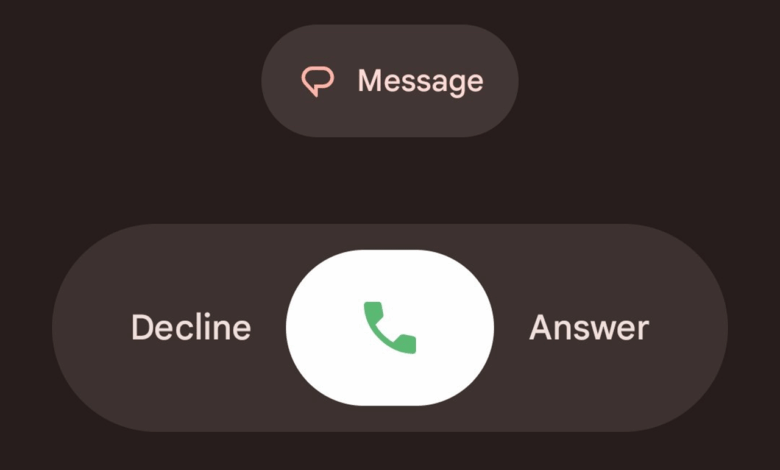
Google recently introduced a major redesign to the Phone by Google app, featuring a larger incoming call screen, bold contact names, and new swipe gestures for answering and rejecting calls. While this Material 3 update looks modern, many users say it feels oversized, less private, and harder to use.
The good news is that you don’t have to stick with it. If you prefer the classic look, you can easily revert Phone by Google app UI back to the old design.
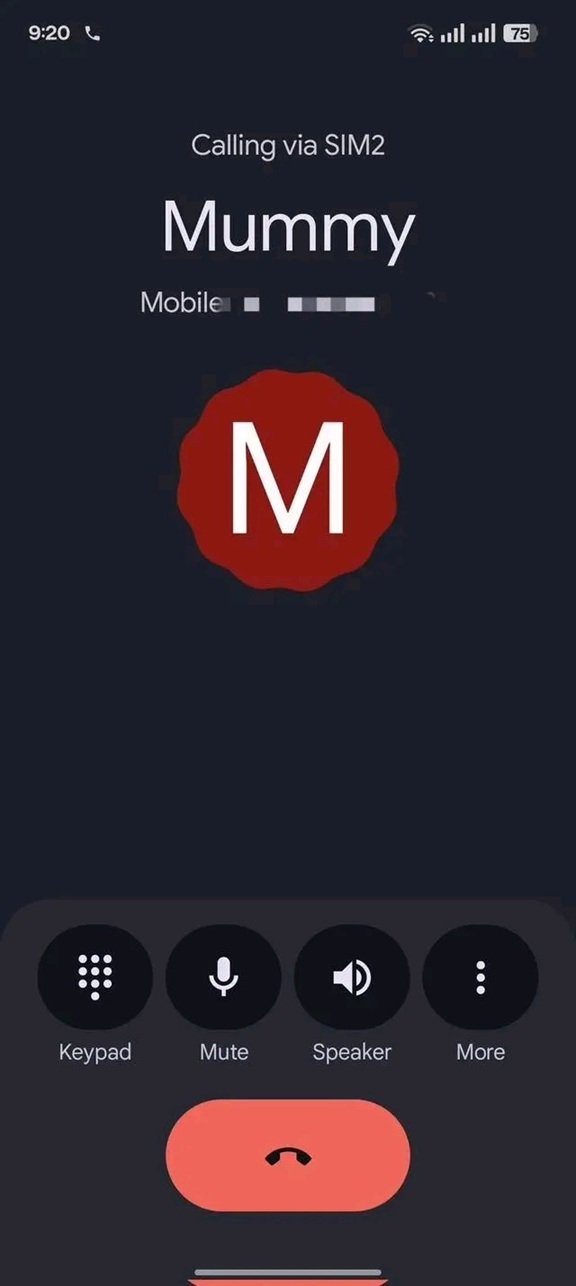
Here’s a step-by-step guide.
Step 1: Uninstall Updates for the Phone App
The Phone app comes pre-installed on most Android devices, which means you can’t uninstall it completely. But you can remove the updates, which reverts the app to the version that shipped with your device.

Here’s how to do it:
Method 1: From the App Icon
- Long-press the Phone app icon on your home screen or app drawer.
- From the options that pop up, tap ‘App info’.
- Tap ‘Uninstall updates’.
Method 2: From Settings
- Go to Settings on your phone.
- Navigate to Apps > Manage Apps (or App List) > Phone.
- Hit ‘Uninstall updates’.
After doing this, your Phone app should go back to the older UI.
Step 2: Disable Automatic Updates
If you don’t stop auto-updates, the new design will return the next time your apps update through the Play Store. To prevent this:
- Open the Google Play Store.
- Search for Phone by Google and tap on it.
- On the app’s page, tap the three-dot menu in the top right corner.
- Uncheck ‘Enable auto update’.
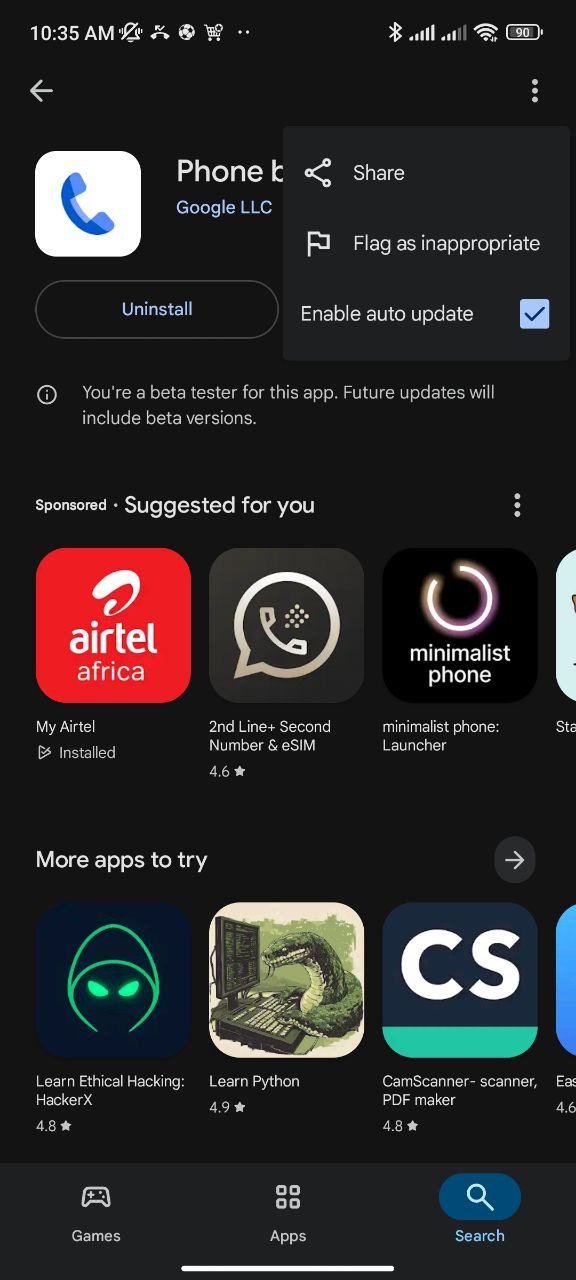
This ensures the Phone app won’t silently update itself in the background. And if you don’t like either version, you can also switch to a third-party dialer app from the Play Store or your phone brand’s default dialer.
The Material 3 redesign is Google’s attempt to modernize the calling experience, but it’s not for everyone. Thankfully, Android gives you control. With a few quick steps, you can revert Phone by Google app UI to the old layout and disable updates to keep it that way.
Will you stick with the new design or go back to the old UI? Let us know in the comments or vote on this poll.








I don’t know who in their design team even approved this stupid design.