
Safaricom’s new My OneApp is still dominating the conversation, and this time, the spotlight is on device compatibility. After the app’s rollout, some users started reporting that the update was not available on their phones or that their devices were no longer supported. And now, it’s becoming clear why. The new My OneApp has raised the minimum software requirements on both Android and iPhone, which means some older devices have officially been left behind.
On Android, Safaricom’s new My OneApp, which arrived as version 5.1.0, now requires at least Android 7.0 Nougat. That is a step up from the outgoing M-PESA app builds, which still supported Android 6.0 Marshmallow. Package metadata for My OneApp version 5.1.0 lists Android 7.0+ as the minimum requirement, while older M-PESA versions on the same app package, including the most recent version 3.5.9, were still available for Android 6.0+.
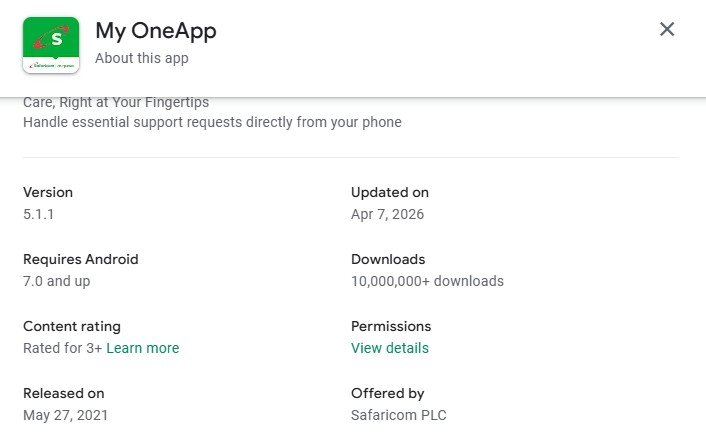
That change may look minor on paper, but it matters. Android 6.0 is still hanging on in some older entry-level and mid-range devices that never received major OS upgrades. For those users, the jump from Marshmallow to Nougat is the difference between being able to install the new app and being shut out altogether. So if someone is seeing a “device not compatible” warning after Safaricom’s big app merger, there is a good chance the phone is simply below the new minimum requirement.
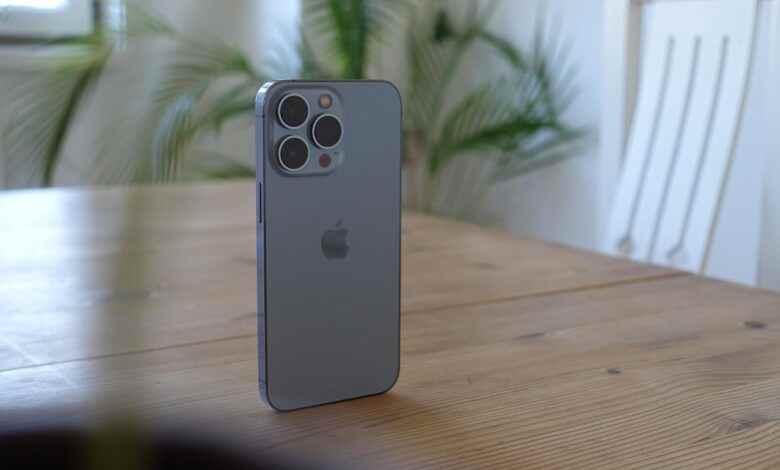
On Apple’s side, the story is a little more straightforward. The App Store listing for My OneApp says the app requires iOS 13.0 or later on iPhone. That means iPhones stuck on older iOS releases are also excluded from the new experience. In other words, Safaricom is drawing a line here too, even if Apple users generally stay on newer software longer than Android users.
This is important because My OneApp is not just another optional utility app. It is the one-stop shop for M-PESA, airtime, data bundles, SMS, Bonga points, home fibre, and other services, all wrapped into one experience. So when compatibility changes like this happen, they affect access to core services many Kenyans rely on every day, not just some side feature that nobody would miss until the next outage ruins their afternoon.
So, for anyone wondering why the new Safaricom app is refusing to install or update on their device, the answer may be far less dramatic than bugs or account issues. Your phone may simply be too old for Safaricom’s new software baseline.
For now, the takeaway is simple. To run the latest Safaricom My OneApp, you’ll need a phone on at least Android 7.0 or an iPhone on at least iOS 13. If your device falls below that, you are on the wrong side of Safaricom’s latest upgrade path.