
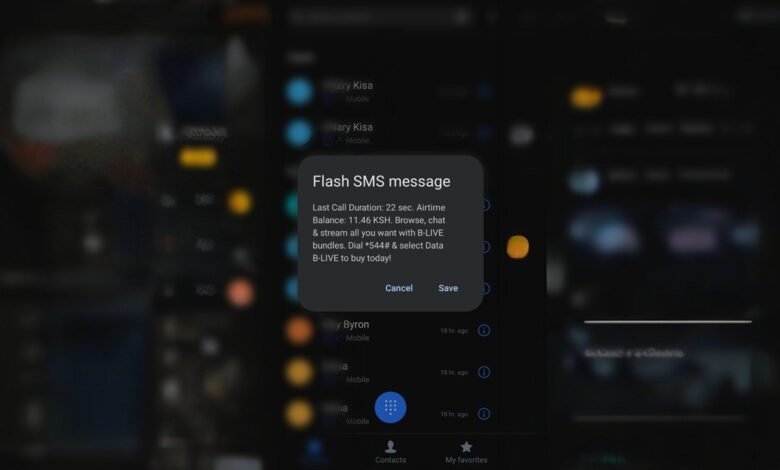
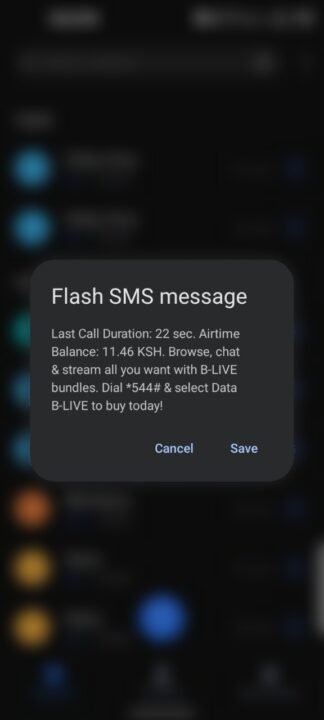
If you’re a Safaricom user, chances are you’ve seen it — that intrusive Flash SMS that pops up the moment you end a call, loudly announcing your last call duration and airtime balance.
On paper, it sounds helpful. In reality, it’s anything but.
The message takes over your screen, forcefully launches the Messages interface, and interrupts whatever you were about to do next. Trying to make another call immediately? Too bad — you’ll first need to exit Messages, return to the dialer, and start over.
The good news: Safaricom actually lets you turn this off. The bad news: they don’t exactly advertise how.

Here’s how to opt out in under a minute.
What is the Safaricom Flash SMS?
The Flash SMS is officially known as End of Call Notification. It’s a system-level message that appears instantly after every completed call, showing details like:
- Call duration
- Remaining airtime balance
- Promotional bundle messages
Unlike regular SMS, Flash SMS messages:
- Pop up immediately
- Sit on top of other apps
- Redirect you to the Messages app
And yes, they’re enabled by default on many Safaricom lines.
How to disable the Flash SMS on Safaricom
Safaricom provides two USSD routes to opt out. Both achieve the same result.
Method 1: Using *100#
- Open your phone dialer
- Dial
*100#and tap OK - Select My Account
- Choose Airtime and Data Usage
- Tap End of Call Notification
- Select Opt out

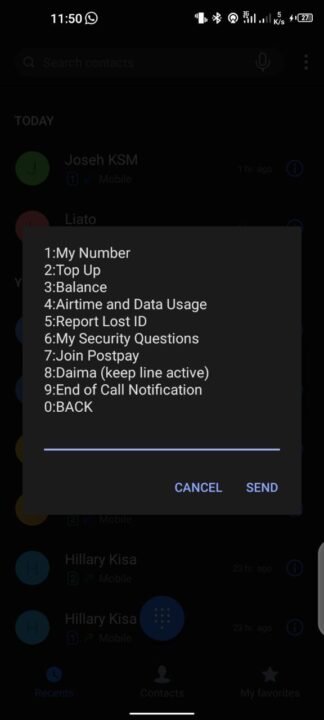


That’s it. The Flash SMS should stop immediately.
Method 2: Using *456#
If *100# doesn’t work for you, try this alternative path:
- Dial
*456# - Select My Account
- Choose End of Call Notification
- Tap Opt out
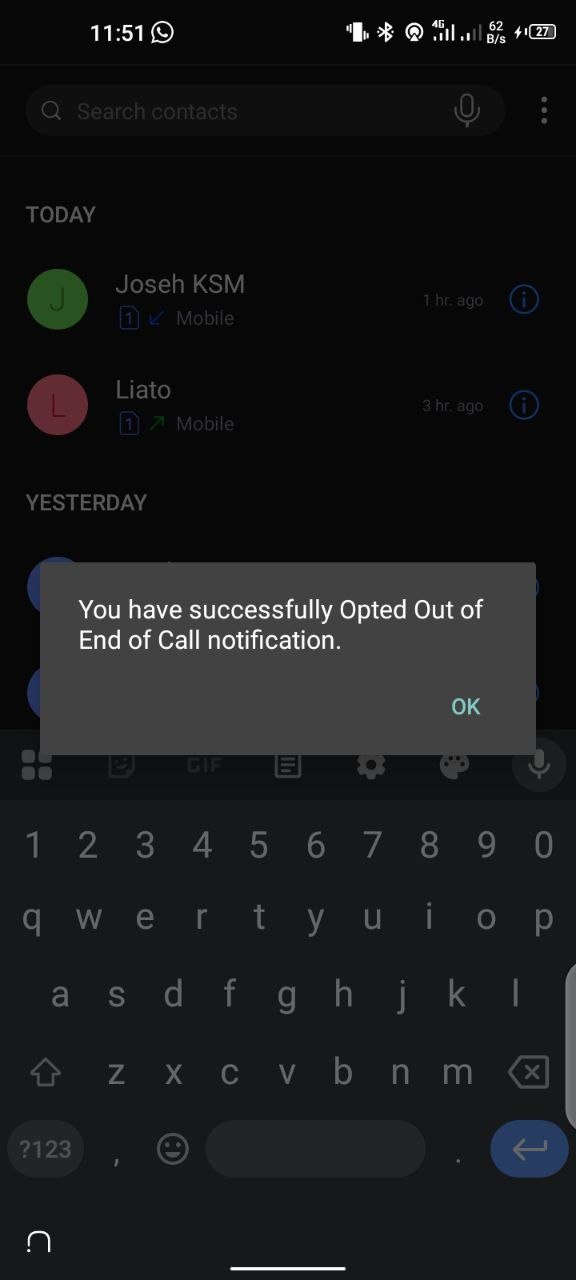
You’ll typically receive a confirmation alert once the change is applied.
Will this affect my airtime or usage tracking?
No. Opting out only disables Safaricom’s end-of-call pop-up notification. It doesn’t affect:
- Your airtime balance
- Call billing
- Data usage tracking
You can still check your balances manually using USSD codes or the MySafaricom app without the constant interruptions.
Disabling Flash SMS makes your phone feel noticeably smoother and less disruptive. No forced app switching. No broken flow. Just end the call and move on.
Safaricom’s End of Call Notification might have made sense years ago, but in today’s smartphone-first world, it’s more nuisance than necessity.
Thankfully, it only takes a few taps to turn it off, and once you do, you’ll wonder why you put up with it for so long.
If you’re helping a friend or relative who keeps complaining about that annoying Safaricom pop-up, now you know exactly what to do.








Well that was helpful, thanks 👍👍
How do you disable pop up for Skiza tune that comes after you initiate a call?
Hebu try this: Send ‘Reject All’ to 836.
How do we do this for Airtel? Especially the annoying smses after each call/text?
We’re still looking into it. Stay tuned.