
Google is bringing Ask Gemini in Chrome to Kenya, Nigeria and South Africa, marking a notable expansion of its AI-powered browser experience into more African markets. The company says the update is part of a broader effort to make Chrome more helpful, with its latest AI features first landing on desktop and iOS, while Android users can still activate Gemini by holding the power button in Chrome and other apps.
I have been following Google’s Chrome AI push closely, and this one matters because it moves Ask Gemini from being a niche feature in select regions to something far more relevant for users in this part of the world. In its Africa announcement, Google says Chrome is being reimagined with built-in AI to help people seek and understand information more easily, and that the rollout now includes Kenya, Nigeria and South Africa.
The African countries/locales included are 55 in total, namely:
Algeria, Angola, Benin, Botswana, Burkina Faso, Burundi, Cabo Verde, Cameroon, Central African Republic, Chad, Comoros, Côte d'Ivoire, Democratic Republic of the Congo, Djibouti, Egypt, Equatorial Guinea, Eritrea, Eswatini, Ethiopia, Gabon, Ghana, Guinea, Guinea-Bissau, Kenya, Lesotho, Liberia, Libya, Madagascar, Malawi, Mali, Mauritania, Mauritius, Morocco, Mozambique, Namibia, Niger, Nigeria, Republic of the Congo, Rwanda, São Tomé and Príncipe, Senegal, Seychelles, Sierra Leone, Somalia, South Africa, South Sudan, Sudan, Tanzania, The Gambia, Togo, Tunisia, Western Sahara, Uganda, Zambia, and Zimbabwe.
For everyday users, the biggest change is the Chrome side panel. Instead of switching tabs and losing your place, Ask Gemini in Chrome lets you chat with a browsing assistant directly inside the current page.The tool can summarize long articles, help answer questions, create quizzes, and even recall pages you visited earlier so you can close tabs you were saving for later.

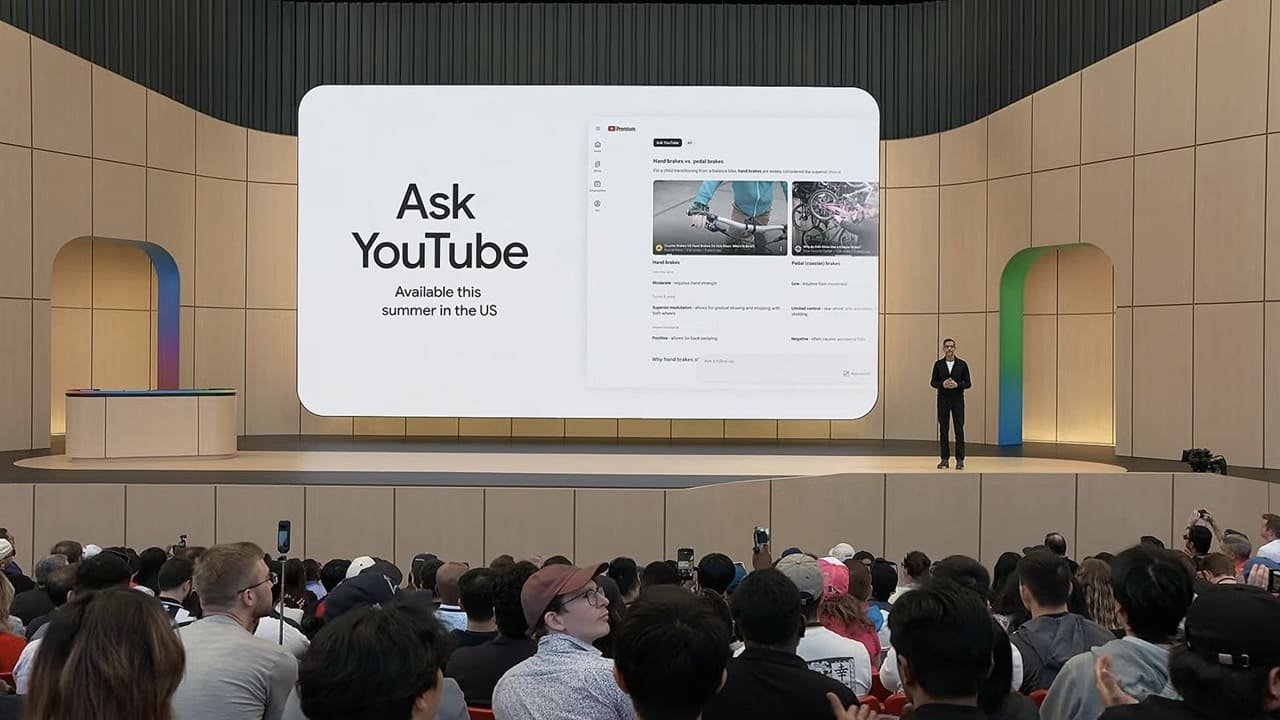
Google is also leaning hard into integration. Ask Gemini in Chrome can connect with services such as Gmail, Maps, Calendar and YouTube, allowing users to schedule meetings, check location details, ask questions about YouTube videos and even draft emails from the side panel without leaving the page they are on. The feature can also work across multiple open tabs, which should make it easier to compare information, consolidate research and even build tables across websites.
Another eye-catching addition is Nano Banana 2 inside Chrome. With this, users can transform online images directly from the side panel using a text prompt, without uploading files or opening a new tab. The company frames this as a way to make tasks like interior design planning or visual experimentation faster and smoother inside the browser itself.
Security, naturally, is part of the pitch. These AI features were built with safeguards to reduce risks such as prompt injection, and Chrome will ask for confirmation before sensitive actions like sending an email or adding a calendar event.
Ask Gemini in Chrome is rolling out to all Mac, Windows and Chromebook Plus users in supported markets, and is expected to continue expanding into more regions and languages through the year.






Join the discussion