
When Samsung unveiled One UI 9 based on Android 17 alongside the Galaxy Z Fold 8 and Z Flip 8, flashy AI features and interface refinements naturally grabbed most of the attention. But one of the most important changes for everyday users isn’t something you’ll notice until someone repeatedly enters the wrong PIN.
Samsung has now detailed a brand-new lock screen security policy for One UI 9, and it’s designed to make brute-force attacks significantly more difficult. If someone keeps guessing your PIN, password, or pattern, they’ll quickly run into progressively longer lockout periods before eventually locking the device permanently.
For most Galaxy users, it’s one of those changes you’ll hopefully never experience firsthand. But it’s exactly the kind of protection you want working quietly in the background.
One UI 9 adopts Android 17’s tougher security rules
The new policy builds on changes Google introduced in Android 17, with Samsung integrating the enhanced protections into One UI 9.

According to Samsung, devices launching with One UI 9 now allow fewer failed unlock attempts before strict lockout measures begin. The company says the goal is simple: better protect personal data from brute-force attacks, where attackers repeatedly try different PINs or passwords until they gain access.
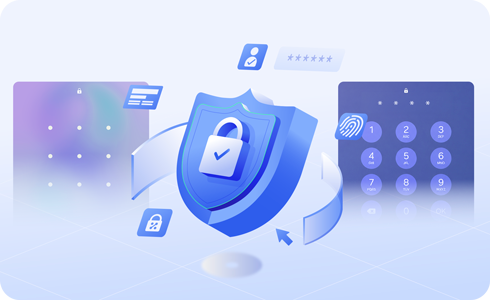
Unlike previous One UI releases, the timeout between attempts now increases much more aggressively. Here’s how the new progression works:
| Failed attempts | Lockout duration |
|---|---|
| 5 | 1 minute |
| 6 | 5 minutes |
| 7 | 15 minutes |
| 8 | 30 minutes |
| 9 | 90 minutes |
| 10 | 4 hours |
| 11 | 12 hours |
| 12 | 24 hours |
| 13 | Permanent lock |
Once the 13th incorrect unlock attempt is made, the device enters a permanent lockdown state. At that point, the only recovery method is performing a full factory reset, meaning any locally stored data that isn’t backed up will be lost. That’s a significant tightening compared to previous One UI versions, where users generally had more opportunities before facing severe restrictions.
Samsung also makes lockouts easier to understand
While the new policy is undoubtedly stricter, Samsung has also tried to make it less confusing for legitimate users. One UI 9 now displays a countdown timer showing exactly how long you’ll have to wait before trying again. It also lets you know how many attempts remain once you reach the warning threshold, removing much of the guesswork during a lockout.
There’s another thoughtful usability tweak I particularly like. If you accidentally enter the exact same incorrect PIN twice in succession, for example, enter wrong PIN 1234 and immediately enter 1234 again, One UI 9 treats this as a single failed attempt rather than two separate failures.
That small change reduces the chances of genuine users burning through their remaining attempts simply because they instinctively repeated the same incorrect PIN.
Good news for security, but remember your PIN
Realistically, most Galaxy owners won’t ever hit five consecutive failed attempts. Still, the policy is a strong deterrent against anyone trying to unlock a stolen or lost phone by repeatedly guessing your credentials. The stricter enforcement also serves as a reminder to make sure you actually remember your screen lock. If you rely entirely on fingerprint or face unlock, it may be worth confirming you still know your backup PIN or password before you need it.
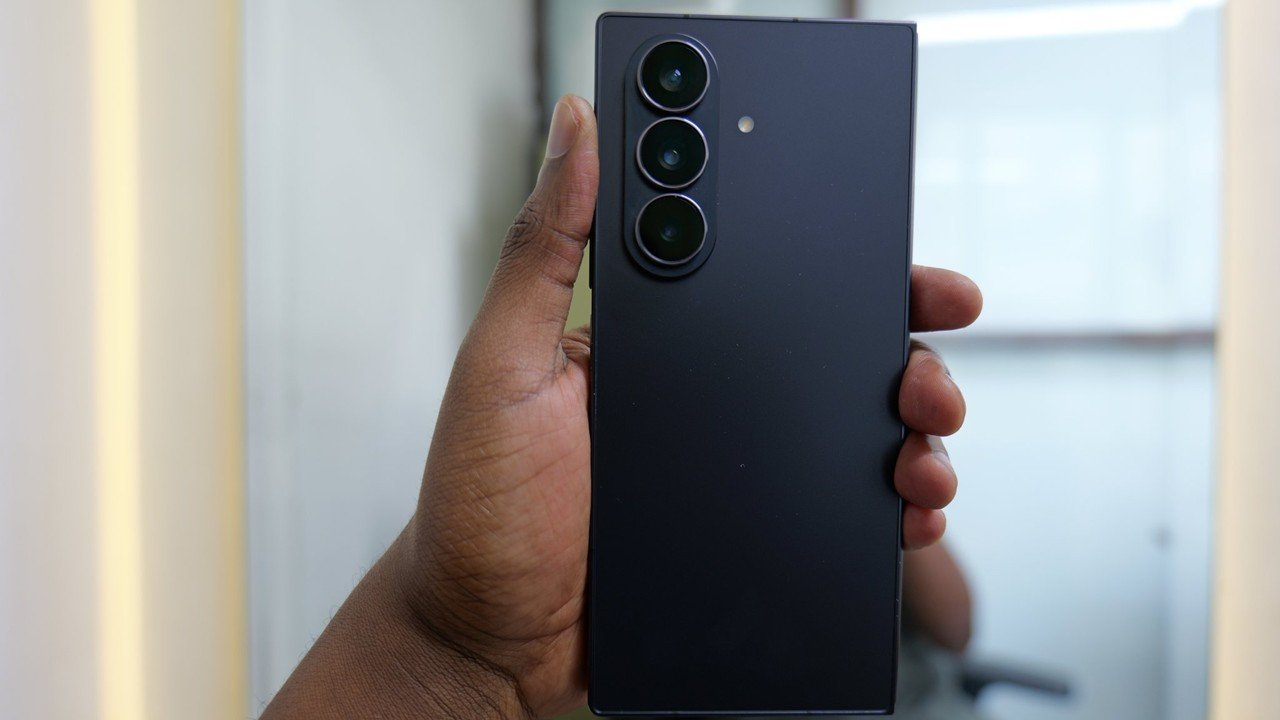
Samsung officially shipped the stable version with the new Galaxy Z Fold 8 and Galaxy Z Flip 8, making these the first devices to include the new lock screen protections out of the box. Meanwhile, Samsung continues to expand One UI 9 testing across its Galaxy lineup. Public beta builds are already available for select devices, while internal testing has also surfaced for several Galaxy phones and tablets ahead of wider stable releases expected over the coming weeks.
If your device hasn’t received the update yet, don’t worry. Samsung is gradually expanding availability, and we’ll continue tracking every rollout as more Galaxy devices join the One UI 9 stable release.
If you’re wondering when your Galaxy phone will receive One UI 9, be sure to keep an eye on our dedicated One UI 9 update tracker, where we continuously update rollout progress, eligible devices, beta expansions, and stable release availability.




u can just not set up a screen lock & avoid it all together. lol. screen locks are optional. u can just keep the swipe to unlock