

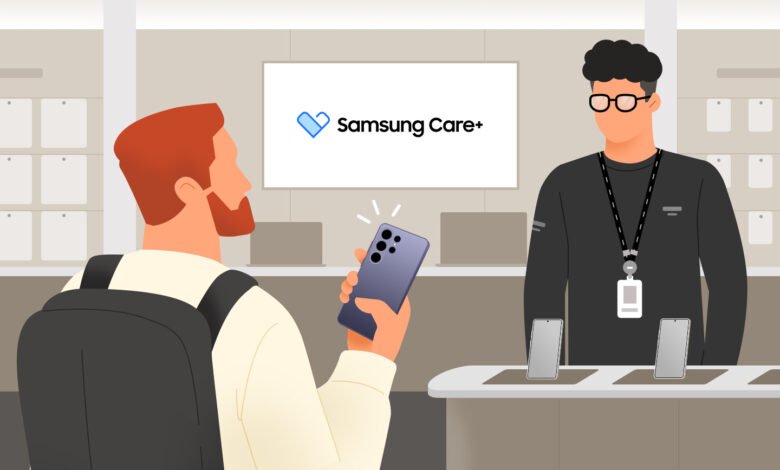
Samsung Care+ is the accidental damage cover bundled with many new Galaxy phones sold in Kenya. To activate it, or to check whether your cover is still running, Samsung has to identify your exact handset. That identification rests on a few numbers stored inside your phone: the model number, the serial number and, above all, the IMEI.
The good news is that all of them sit a few taps away in Settings. The catch is that the labels confuse a lot of people, and one common belief about where to check your Care+ status is simply wrong. Here is how to find each number, what each one is for, and where your plan details actually live.
Three numbers, three different jobs. Your phone carries three identifiers, and they are not interchangeable.
- Model number (for example, SM-S711B/DS) describes the model, not your specific unit. Every Galaxy S23 FE of the same colour and variant shares it. The “/DS” simply means dual-SIM.
- Serial number is unique to your individual device. Samsung uses it to track that single unit through manufacturing and warranty.
- IMEI (International Mobile Equipment Identity) is a 15-digit number that mobile networks use to recognise your phone. It works at a global level, not just within Samsung, which is why your operator can use it to block a handset reported lost or stolen. Dual-SIM phones carry two IMEIs.
For Care+, the IMEI is the one that matters most. It is the number the registration form asks for, because it ties the plan to your specific device.

How to find them on the phone.
- Open Settings. Swipe down from the top of the screen and tap the gear icon, or open the Settings app from your app drawer.
- Scroll to the bottom and tap About phone. On most recent One UI versions you then tap Status information to see the Serial number and IMEI. On older versions they show on the About phone screen directly.
- The faster route: open the Phone app and dial *#06#. Your IMEI, and on newer models the serial number, appear instantly. This works on any Galaxy with a cellular connection, and it is the method to use when checking a phone before you buy it. You can find the same steps on Samsung’s own support page.
Checking your security details. Back on the About phone screen, tap Software information. Two entries are worth knowing. SE for Android status should read “Enforcing.” Knox version tells you the device is protected by Samsung’s built-in hardware security. If a Knox version is listed, the phone is genuinely secured by Knox. If that line is missing entirely, treat the handset with suspicion, as it may have been tampered with.
Where your Care+ status really lives. This is the part the steps above will not show you. Your Samsung Care+ plan status and expiry date do not appear in About phone or Software information. Those screens carry hardware and security details only. To see whether your cover is active, open the Samsung Members app, go to the Support or Service tab, and select your device. You can also sign in on the Samsung Care+ page.
That distinction matters because of the clock. On eligible new Galaxy devices, the complimentary Care+ Standard cover (one front-screen repair within 12 months) must be redeemed within 30 days of purchase. We already flagged this when the 2024 A-Series landed in Kenya with Care+ bundled in. Miss the window and the free cover lapses, IMEI or no IMEI.
One safety note. Treat your IMEI and serial number like account numbers. Do not post photos of them online or hand them to strangers. They can be used for fraudulent warranty claims or to clone a device’s identity.
The takeaway is straightforward. Your model, serial and IMEI numbers sit under Settings, then About phone, or come up instantly when you dial *#06#. Knox and SE for Android sit under Software information and confirm the device is genuine. But your Care+ plan status is not in Settings at all. For that, open Samsung Members or the Care+ website, and if your phone is new, register within 30 days so the cover counts.




Join the discussion