

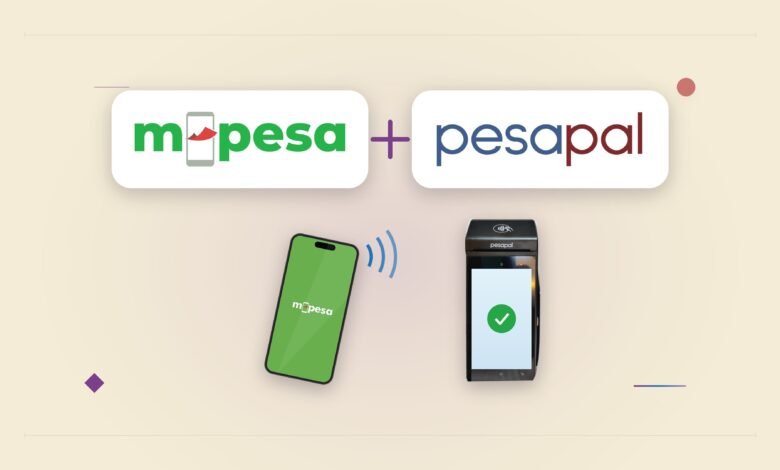
Safaricom and Pesapal have just announced they are rolling out two ways to pay with M-PESA on Pesapal’s card machines:
- tapping your phone on the machine, and
- scanning a QR code that already carries the bill total.
At a shop counter, you no longer have to type a till number or an amount into your phone. Only your PIN.
Pesapal is an independent payment company, not part of Safaricom. It supplies point-of-sale (POS) machines, the card terminals cashiers use, and Safaricom’s help page names Java House and Artcaffé among the chains that use them. Pesapal says its machines already take M-PESA and card payments on one device, so what changes is how the M-PESA half works for the customer.
The QR route is Safaricom’s Scan-to-Pay. The code on a shop’s counter sticker is a static code. Scanning it fills in the till or paybill number and leaves you to type the amount. A dynamic code fills in the amount as well, and Safaricom’s Scan-to-Pay page lists both kinds. A Pesapal machine shows a dynamic code on its screen, so you scan it with your phone camera, check the merchant and the amount, and enter your PIN.

Without My OneApp, the scan opens M-PESA’s web checkout, which needs Safaricom mobile data. With the app, the till number is already filled in and it works on Wi-Fi. Standard M-PESA limits apply: KES 250,000 a transaction and KES 500,000 a day.
Tap-to-Pay uses NFC, near field communication, the short-range radio in most smartphones and inside contactless bank cards. The cashier starts the payment on the machine, you tap your phone on it, check the details on your own screen and enter your PIN. This route needs My OneApp, the app that merged M-PESA and MySafaricom, which we walked through when it launched.
So if you have an NFC phone and My OneApp, a bill of, say, KES 1,450 reaches your screen already filled in, and your only job is to check it and enter your PIN. Safaricom has kept the PIN on every tap, even though it floated PIN-free thresholds for small payments in March, as we reported when the shipped version went live in August.
The third piece, AI Pay, is for places with no machine. Through the My OneApp, users can scan a receipt, printed or handwritten, and where available the app fills in the Till or PayBill number and the amount. Safaricom described AI Pay when My OneApp launched in April.
Most of this was already on Safaricom’s help pages. Since 11th August they have said that merchants with Pesapal’s N950s terminal, or select N950u models, can take Tap-to-Pay on the devices they already have, with no additional setup. The Scan-to-Pay page from the same day describes dynamic codes.
What today’s announcement adds is Pesapal’s name and a statement that the rollout is under way.
It also adds details in terms of numbers from Safaricom:
- Scan-to-Pay is at more than 60,000 merchant outlets, with a target of 500,000 within the next year, which is more than eight times today’s count.
- My OneApp has more than 7 million downloads. In June, Safaricom put the app at 4.7 million registered users, about 1.3 million of them active daily and nearly three million monthly.
Downloads and active users are different counts, and because tapping needs the app, active users are the one that sets how many customers can tap.
Today’s announcement however does not say the following:
- where AI Pay is available,
- how many Pesapal machines or which outlets have tap and dynamic QR switched on,
- whether merchants pay anything extra, or
- whether iPhones can tap to pay: Safaricom’s page tells iPhone owners how to check NFC support but does not say a tap payment works on one. (Please Note: we believe iPhone users should have no issue as long as My OneApp is installed, it should be able to work well. We’ll update the article incase that’s not true. Even demo at launch – we didn’t attend – shows an iPhone being used).
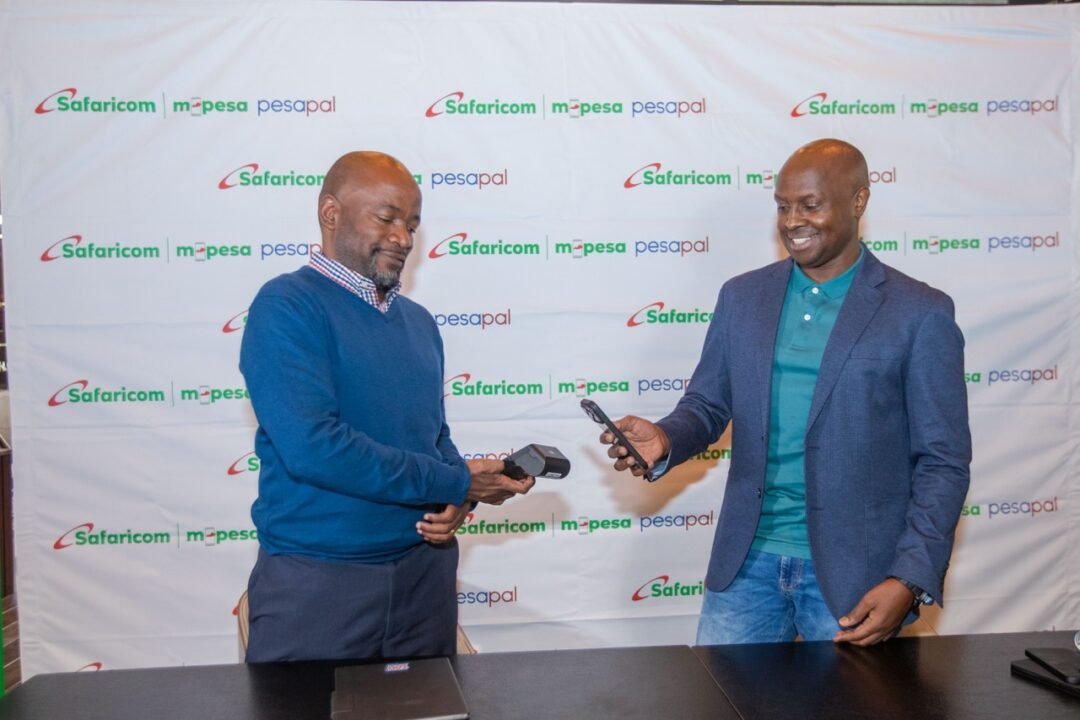
Technology Officer, Safaricom PLC,
For shoppers, the gain is fewer wrong-till payments. Safaricom lists fewer reversals linked to wrong payment details as a merchant benefit. It also puts M-PESA on the same terminal that takes cards, while banks push Visa tap-to-phone acceptance to the same shops, as we covered in July.



Join the discussion